 简体中文
简体中文
 English
 繁體中文
繁體中文
 Русский
 日本語
日本語
 Français
 한국어
한국어
 Deutsch
 Português
 Español
Compatible with macOS 26 Tahoe and Apple M1, M2, M3, M4, M5 chips
CrossDriver’s Ext4 for Mac disk read/write tool
Use the excellent Ext4 for Mac software to freely read, add, delete, edit, rename, and write files on Linux Ext2/Ext3/Ext4 partitions/disks in macOS and Mac OS X without formatting.
 Download Now
 System Requirements
macOS 10.13-26.x
Average User Rating
 Rated 4.8 by 129 users
 Latest Release
EXT4 For MAC V26.1.16.4156
2026-03-23 13:29:39
2026-03-23 13:29:39
Ext4 read/write tool for Mac
This is a lightweight utility designed for macOS that breaks system limitations to provide full read/write control over Linux Ext2/Ext3/Ext4 disks. Quickly mount/unmount disks from the menu bar, freely edit, copy, or delete Ext2/Ext3/Ext4 drive contents in Finder, achieving efficient interoperability between Mac and Linux without reformatting. It also integrates disk management functions, supporting safe eject and basic disk check prompts, making it an efficient cross‑platform data exchange solution.
 Buy Now
 Automatically enable writing to Ext2/Ext3/Ext4 drives after installation

1.Install
Download and install CrossDriver Ext4 for macOS on your Mac.

2.Connect
Connect Linux Ext2/3/4 disk/partition devices to your Mac.

3.Complete
You can now quickly move, write, copy, save, and delete files on Linux Ext2/Ext3/Ext4 volumes on your Mac.
How to Install
How to Uninstall
Just one click to install quickly
Automatically read and write Ext2/Ext3/Ext4 disks immediately after installation
-
1
-
2
Install
Double‑click the .pkg installer > Install, then follow the on‑screen instructions to install this Ext2/Ext3/Ext4 driver on your Mac.
-
3
Get Started
Directly edit files on Ext2/Ext3/Ext4 drives connected to your Mac or add files to the drive.
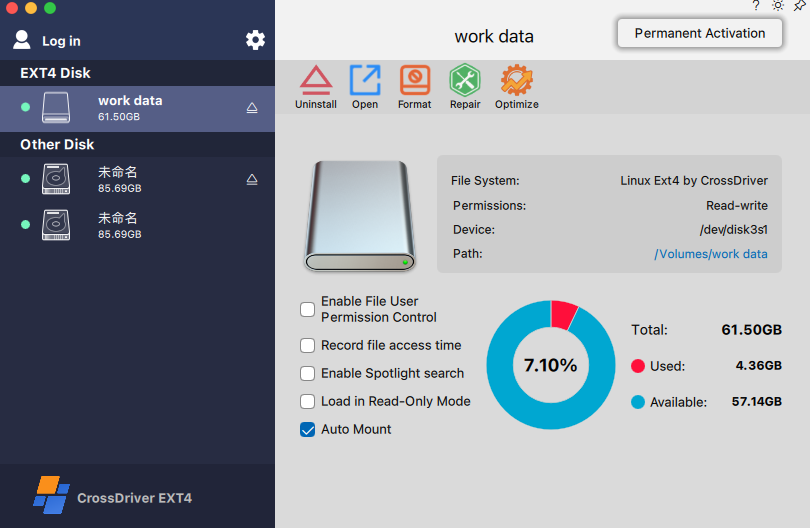
Uninstallation
Uninstall CrossDriver Ext4 For Mac
-
1
Back up and keep your activation code safe
Copy and save the activation code for reuse on this computer, or deactivate the activated device for use on another device.
-
2
Start Uninstall
Go to the settings page, find the "Uninstall" option, and click to start uninstalling.
-
3
Uninstall Completed
Follow the uninstaller to complete the uninstallation.
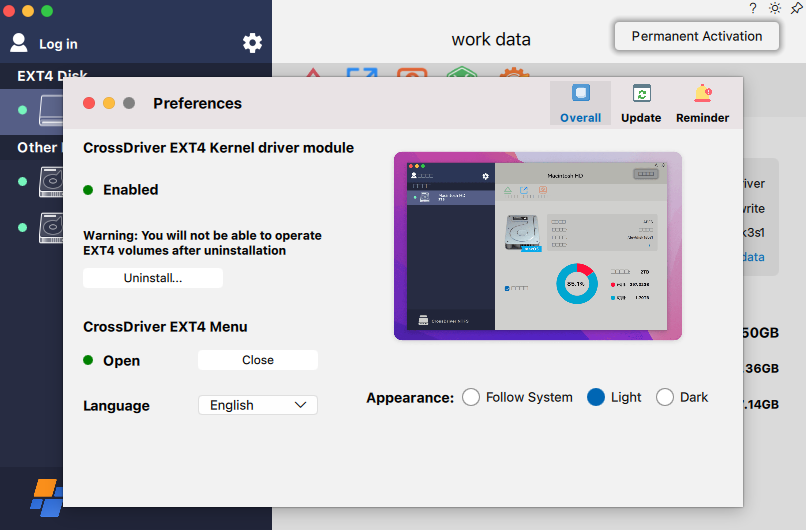
Why Choose It?
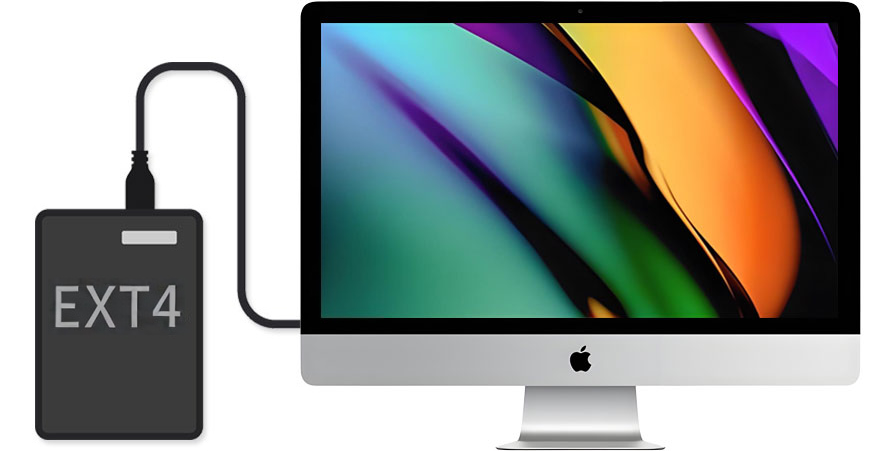
Enable Ext2/Ext3/Ext4 read/write access immediately
Plug and Play: After installing the driver, no complex configuration is required. Ext2/Ext3/Ext4 disks can be read and written on macOS with near‑native experience. One‑Click Mount: Quickly enable/disable and manage mount status from the menu bar, convenient for switching between multiple disks. Stable Compatibility: Designed for common Linux Ext2/Ext3/Ext4 partitions, balancing reliability and performance for seamless collaboration between Mac and Linux drives.
Mount Linux Ext2/Ext3/Ext4 partitions as local drives
When macOS starts or restarts, the tool can automatically mount Linux Ext2/Ext3/Ext4 volumes according to settings, and display them in Desktop/Disk Utility. Managing mounted Ext2/Ext3/Ext4 drives is similar to managing local drives. You can perform common file operations on Ext2/Ext3/Ext4 drives, such as drag‑and‑drop file moves, file synchronization, and cross‑platform data copying.
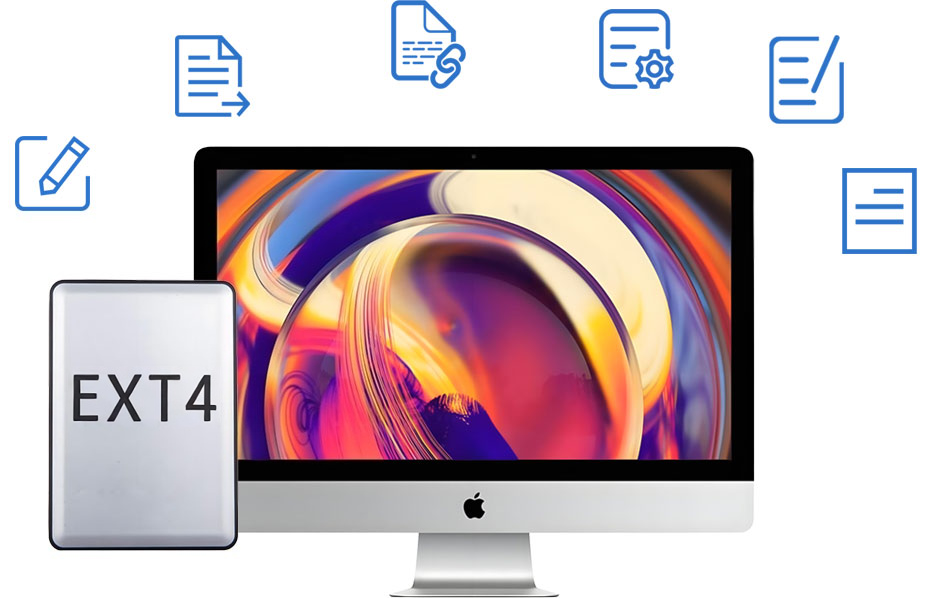
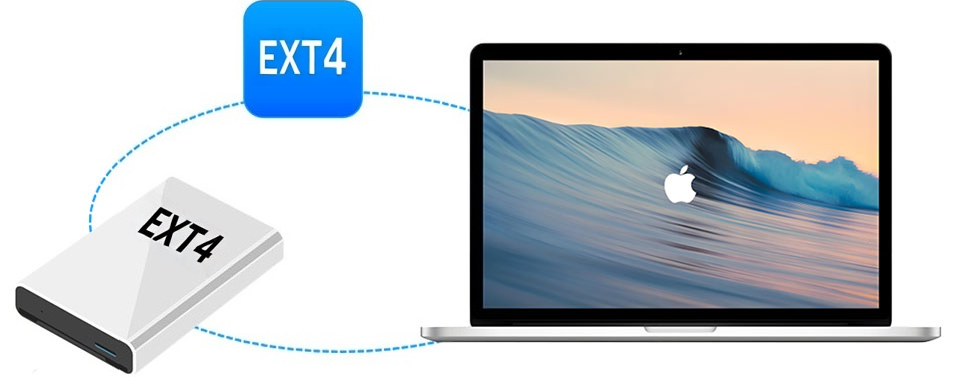
Compatible with all brands of external hard drives
In the Linux ecosystem, external drives, NAS dismantled disks, and data disks from Raspberry Pi/development boards often use the Ext2/Ext3/Ext4 file system. CrossDriver Ext4 supports almost all brands of external hard drives and common storage media, including Samsung, Western Digital, Seagate, Toshiba, and more.
Compatible with macOS and OS X
By default, macOS lacks full native read/write support for the Linux Ext2/Ext3/Ext4 file system, which means you may only access it via command line or third‑party tools, with limited write capability. CrossDriver Ext4 for Mac provides stable Ext2/Ext3/Ext4 volume access and read/write capability for macOS 26 (Tahoe), Sequoia, Sonoma, Ventura, Monterey, and other versions; it also strives to offer compatibility solutions for earlier OS X systems (support available via email if needed).
Fully compatible with Apple M1/M2/M3/M4/M5 chips
Apple’s M‑series chips are based on the ARM architecture, while macOS does not provide full native read/write support for the Ext2/Ext3/Ext4 file system. To stably access Ext2/Ext3/Ext4‑formatted disks on Macs equipped with these chips, third‑party software is usually required. CrossDriver Ext4 supports macOS from 10.13 High Sierra up to the latest macOS Sequoia/Tahoe, with optimization for Apple Silicon.
Support managing Ext2/Ext3/Ext4 drives on Mac
In macOS’s built‑in Disk Utility, Ext2/Ext3/Ext4 volumes usually cannot be directly used in writable mode like common file systems. This program provides more user‑friendly mounting, unmounting, and basic management capabilities, helping you use Linux Ext2/Ext3/Ext4 partitions more smoothly on Mac. (Formatting/repair functions depend on the software features; it is recommended to back up important data before performing such operations.)


Easier cross‑platform data exchange
If you need to exchange files between Mac and Linux (for example, copying data from a Linux server/development board or writing materials back to an Ext2/Ext3/Ext4 data disk), CrossDriver Ext4 for Mac provides a more direct read/write experience, reducing the cost of repeated transfers and format conversions.
Compare and select
To help you better understand and choose the right software, we provide the following comparison table. You can decide which software offers safe, stable, and fast read/write access to Ext2/Ext3/Ext4 drives on your Mac.
Ext4 for Mac Read/Write Software Comparison (Comprehensive Review)
| CrossDriver Ext4 For MAC |
Paragon ExtFS |
fuse-ext2 | ext4fuse | |
|---|---|---|---|---|
| Architecture | Kernel‑level driver | Kernel‑level driver (closed source) | User Space (FUSE) | User Space (FUSE) |
| Read/Write Support | Full Read/Write | Full Read/Write | Read/Write (requires -o force option) |
Read‑only |
| Key Features | High performance, Transparent access, Graphical management, Supports Ext2/Ext3/Ext4 |
High performance, Transparent access, Graphical management |
Supports Ext2/Ext3/Ext4, Open source |
Lightweight, Read‑only support |
| Supports macOS 26 Tahoe | √ | √ | √ | √ |
| Supports macOS 15 Seguoia | √ | √ | √ | √ |
| Supports macOS 14 Sonoma | √ | √ | √ | √ |
| Compatible with Apple silicon-based Macs (M1/M2/M3/M4/M5 chips) |
√ | √ | √ | √ |
| Provide Ext4 format option | √ | √ | √ | √ |
| Rapid data transfer speed | √ | √ | × | √ |
| Auto-mount | √ | √ | √ | √ |
| Easy to install | √ | √ | × | × |
| Easy to uninstall | √ | √ | √ | × |
| File user permission control | √ | × | × | × |
| VM file support | √ | √ | × | × |
| Support the latest Ext4 features | √ | × | × | × |
| Repair Ext4 partition | √ | √ | × | × |
| Optimize SSD disk | √ | × | × | × |
| License | Commercial Software | Commercial Software | GPL | BSD |
| Suitable for | General Users Daily use requiring stable, high‑performance read/write |
Daily use requiring stable, high‑performance read/write |
Open‑source Enthusiast Light read/write requirements |
Only need to view or copy files |
Secure and fast Ext2/Ext3/Ext4 driver solution
If you want to know how to use Ext2/Ext3/Ext4 external drives/partitions on Mac, a fully featured assistant is your best choice.
It is not just a secure and efficient Linux Ext2/Ext3/Ext4 driver, but also provides a more user‑friendly disk management experience.
Don’t hesitate. Try the Ext2/Ext3/Ext4 driver for Mac Sequoia/Tahoe, and make cross‑platform data handling easier.
It is not just a secure and efficient Linux Ext2/Ext3/Ext4 driver, but also provides a more user‑friendly disk management experience.
Don’t hesitate. Try the Ext2/Ext3/Ext4 driver for Mac Sequoia/Tahoe, and make cross‑platform data handling easier.
Outstanding features
| Features | Advantages |
|---|---|
| Supported Mac devices |
|
| Supported storage media |
|
| Supported operating systems |
|
| Technical specifications | Applicable to 64‑bit kernel mode macOS 10.13 or later and Apple Silicon Mac. System extensions may need to be enabled when installing CrossDriver Ext4 for Mac. |
| Supported file systems | ext2, ext3, ext4 (latest features) |
| Performance | Provides a near‑native file management experience, suitable for daily copying and cross‑platform data exchange |
| Auto‑mount | CrossDriver Ext4 for Mac can automatically mount, eject, mount, and unmount external Ext4 drives according to settings. It can also detect and notify volumes that are unsupported or in abnormal states. |
| Disk Management | The CrossDriver Ext4 for Mac mounter can automatically mount Ext4‑formatted drives at system startup according to settings, facilitating multi‑disk management. |
| Third‑party software compatibility | Compatible with most third‑party encryption applications, antivirus programs, virtualization software, and Mac performance optimization tools (actual compatibility depends on the environment). |
Resources